We have several products for you at affordable prices.
Shop Now
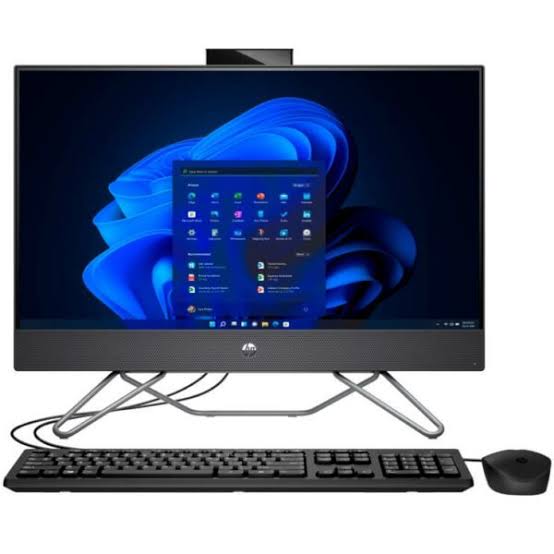
HP ProOne 240 G9 23.8″ Full HD All-in-One PC | Intel Core i5-1235U | 16GB RAM | 256GB SSD | Windows 11 Pro
Original price was: R24999,00.R8999,00Current price is: R8999,00.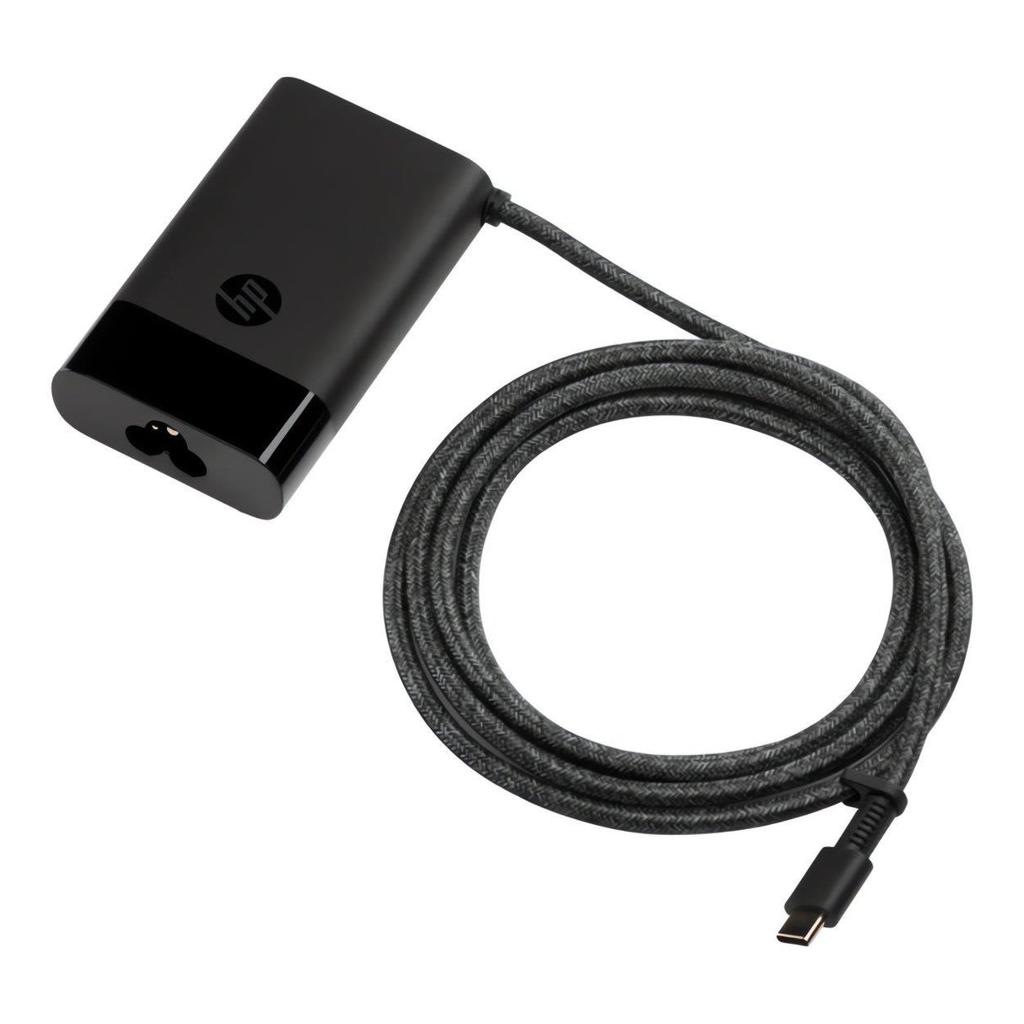
HP USB-C 65W Laptop Charger (671R3AA) – Fast & Reliable Power Adapter
Original price was: R1399,00.R999,00Current price is: R999,00.
God of War: Ragnarök (PS5) – Epic Action Adventure Game
Original price was: R1299,00.R799,00Current price is: R799,00.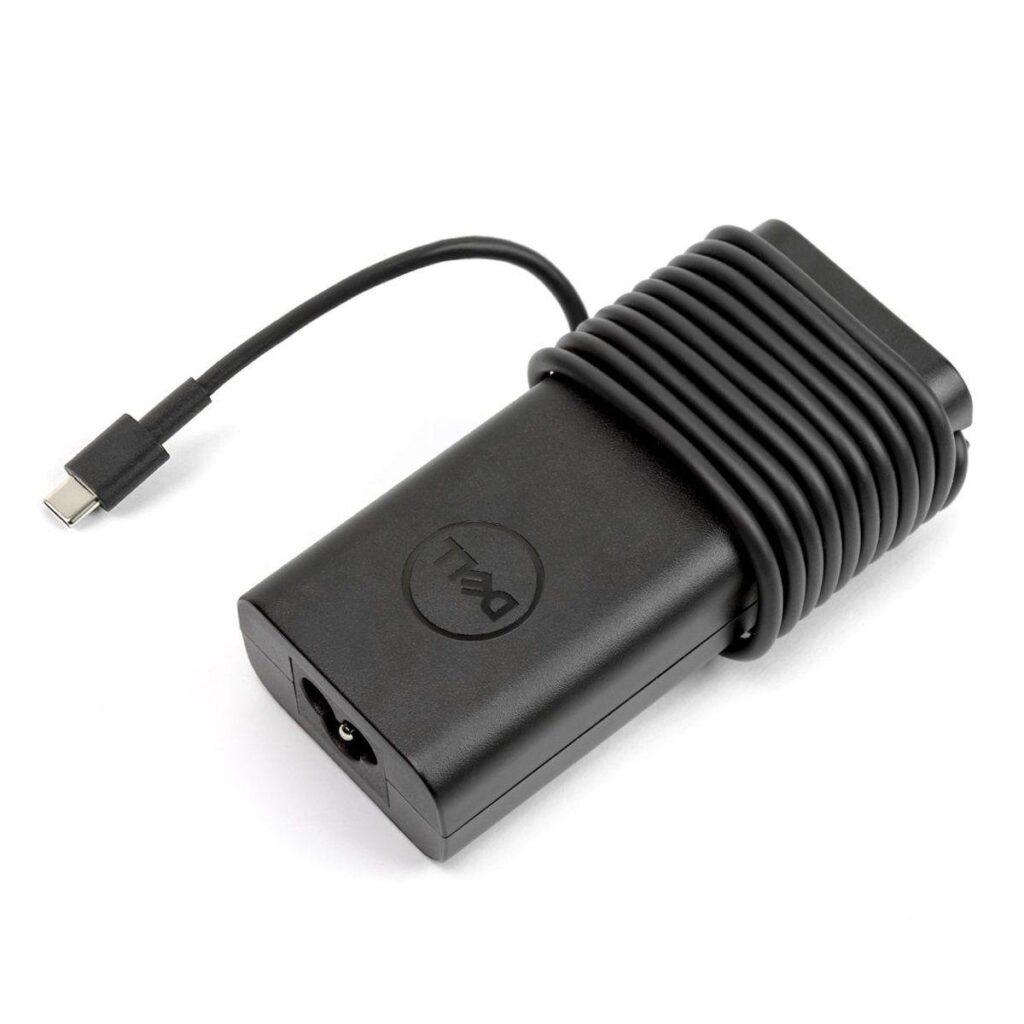
Dell 65W USB-C Slim Laptop Charger
Original price was: R1299,00.R699,00Current price is: R699,00.
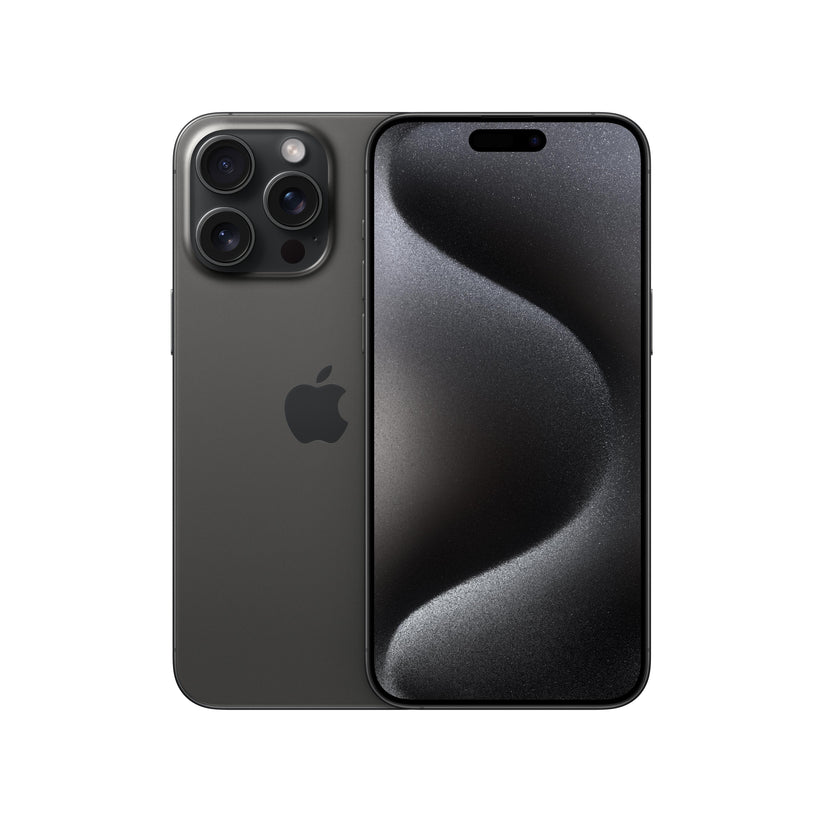
iPhone 15 Pro 256GB – Black
R21999,00
Buying a USB-C Hub: Five Checks That Can Save You a Wrong Purchase

By CY Global Tech Editorial
Compatibility guide based on manufacturer documentation. No hubs were tested for this article.
A hub can tidy up your desk and give you room for a mouse, storage drive and monitor. Our buying advice is to start with your laptop model and a list of what you want to connect.
1. Check the laptop port
USB-C describes a connector; the features behind it vary. For a conventional USB-C HDMI hub, confirm DisplayPort Alt Mode support. Charging through a hub also requires compatible laptop charging support. Microsoft recommends matching the computer, accessory and cable capabilities.
2. Write down your screen requirements
Tell the seller your monitor model, resolution, refresh rate and whether you want one or two external screens. Ask for written confirmation of the intended arrangement. A listing that says “4K” leaves several useful questions unanswered.
3. Check power reaching the laptop
A hub’s input power rating may exceed what it passes to the computer. As a concrete example, Anker specifies up to 100 W input and approximately 85 W to the laptop for its 555 hub. Use the exact model’s output rating when comparing it with your laptop’s requirements. Check whether a charger is included.
4. Pay for the ports you will use
| Your setup | What to put on your shopping checklist |
|---|---|
| Mouse and keyboard | Enough USB ports of the correct type |
| Desk monitor | Confirmed display compatibility and required resolution/refresh rate |
| Regular file transfers | Suitable data-port speed and compatible cable |
| Wired office network | Ethernet port and the required network speed |
| Camera workflow | Card reader matching your memory cards |
5. Compare the complete cost
Include any charger, display cable or adapter you still need. A cheaper hub can become an expensive purchase if it leaves one essential task unsolved.
CY Global Tech verdict: choose the smallest setup that meets your actual requirements, with compatibility confirmed for your exact laptop. A useful pre-purchase message is: “My laptop is [model], my monitor is [model], and I need [devices] connected together.”
Sources: Microsoft USB-C troubleshooting and compatibility; Anker hub selection guide. Checked 23 October 2026.
Need help choosing a compatible hub? WhatsApp CY Global Tech with your laptop and monitor model numbers.